Widget translation and Private Mode
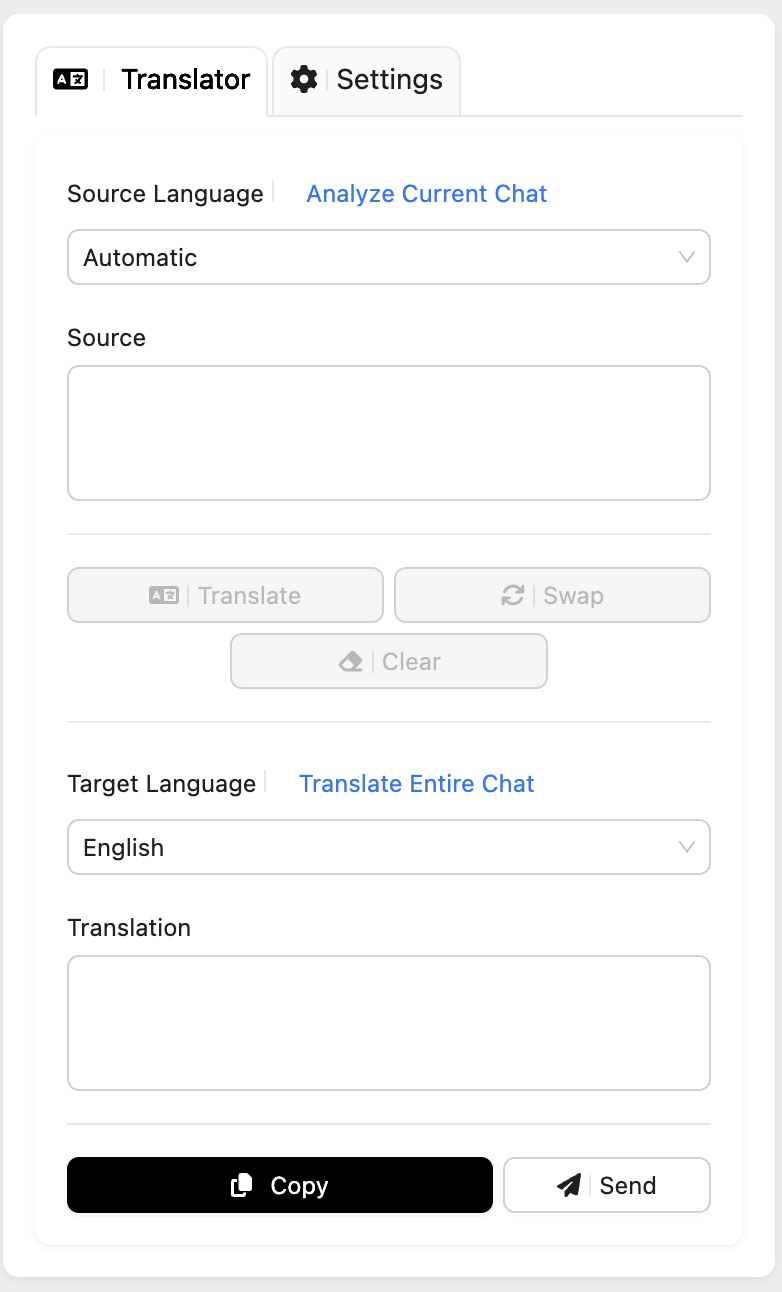
Tranlsation chat details section provides the classical online translator widget but powered with the AI language model. Agents can input the text they would like to be translated and once they stop typing, the process takes place automatically.
With this option you can copy the translated message directly to the send message box or send it right away. This allows you to send a translated message without the text Translated Text Show Original which is visible when you send the original message and our translator translates the original message under the hood.
If the Private Mode is enabled, the incoming visitor messages are translated and put in the chat as notes or system messages. In this way the visitor can't see that the translation took place. Using the Translation widget to translate and send messages will prevent the visitor from seeing the text Translated Text/Show Original under the agent's messages.
Now you can use the translator without worrying that your client will see unnecessary text stating that the message has been translated!
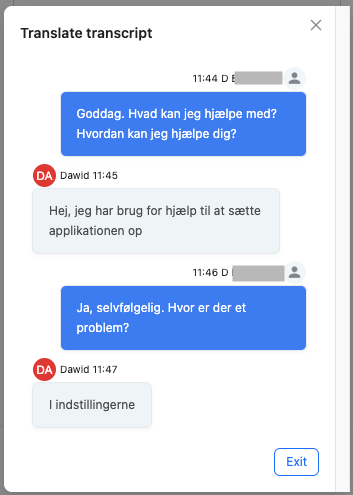
Translate the whole transcript
The next option is Show transcript in language, which allows you to check the transcript of all messages in an open chat in your selected target language, without having to switch between tabs! You can click to download the transcript as a text file.