Creating Issues
Navigate to the Chats/Archives/Tickets section and choose the Jira icon in the Details section on the right.
Send to Jira
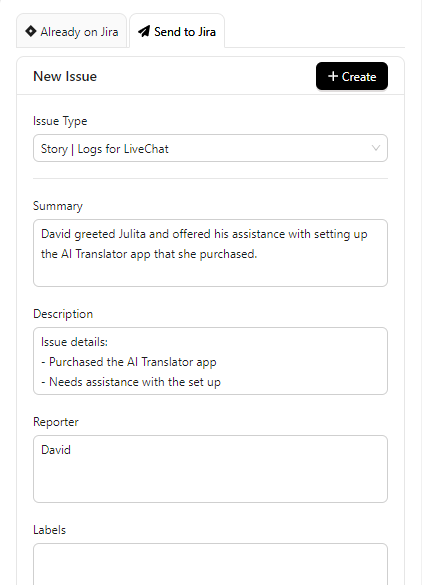
In the Send to Jira tab - Select your issue from the Issue Type Dropdown - all your fields will populate with available values. Click Create to create a new issue (You might be asked to authorized your Jira account first)
Already on Jira
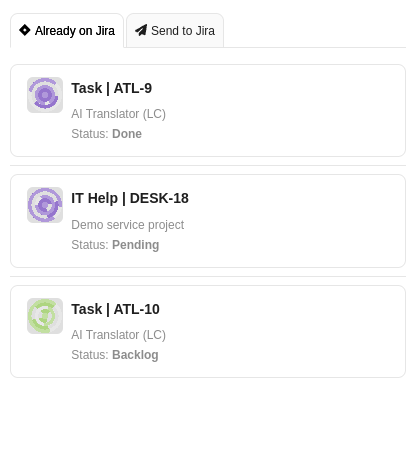
Navigate to the Already on Jira tab - you will see all issues associated with this ticket/chat as well as their current status.