Installation
The installation of the application needs to be done by the account with the required permissions. It can be the Owner of your LiveChat license or an Admin with Billing Permissions. Find the Logs integration in your LiveChat Marketplace and add it to the cart. Once the checkout is done you should be able to click the Install button in the top right corner of the integration page.
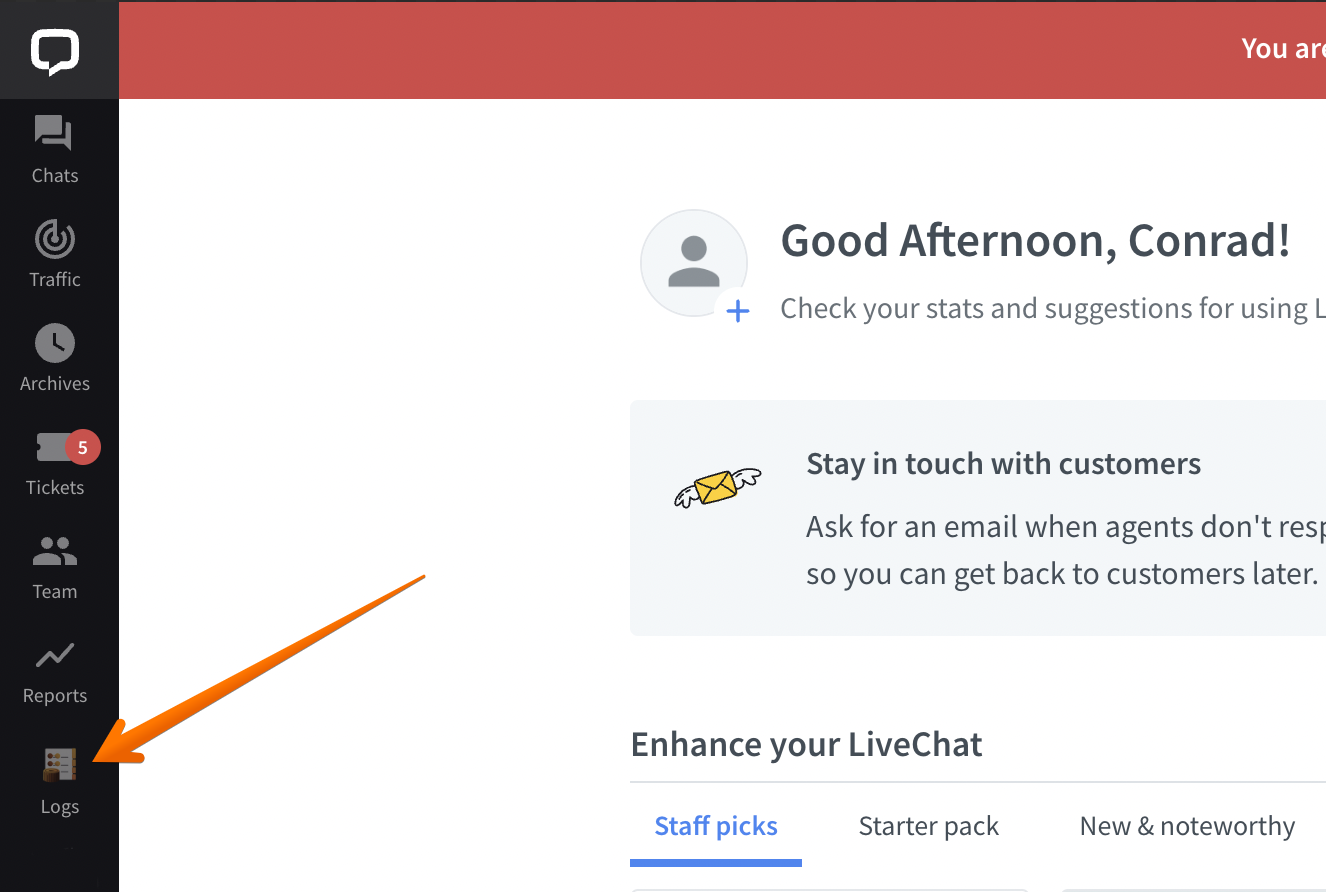
Once the installation is completed, you should be able to see the Logs icon on your main left application bar: